The Dashboard
Create and manage your TrulyYou apps in minutes
Step 1 of 5
1
Configure Your App
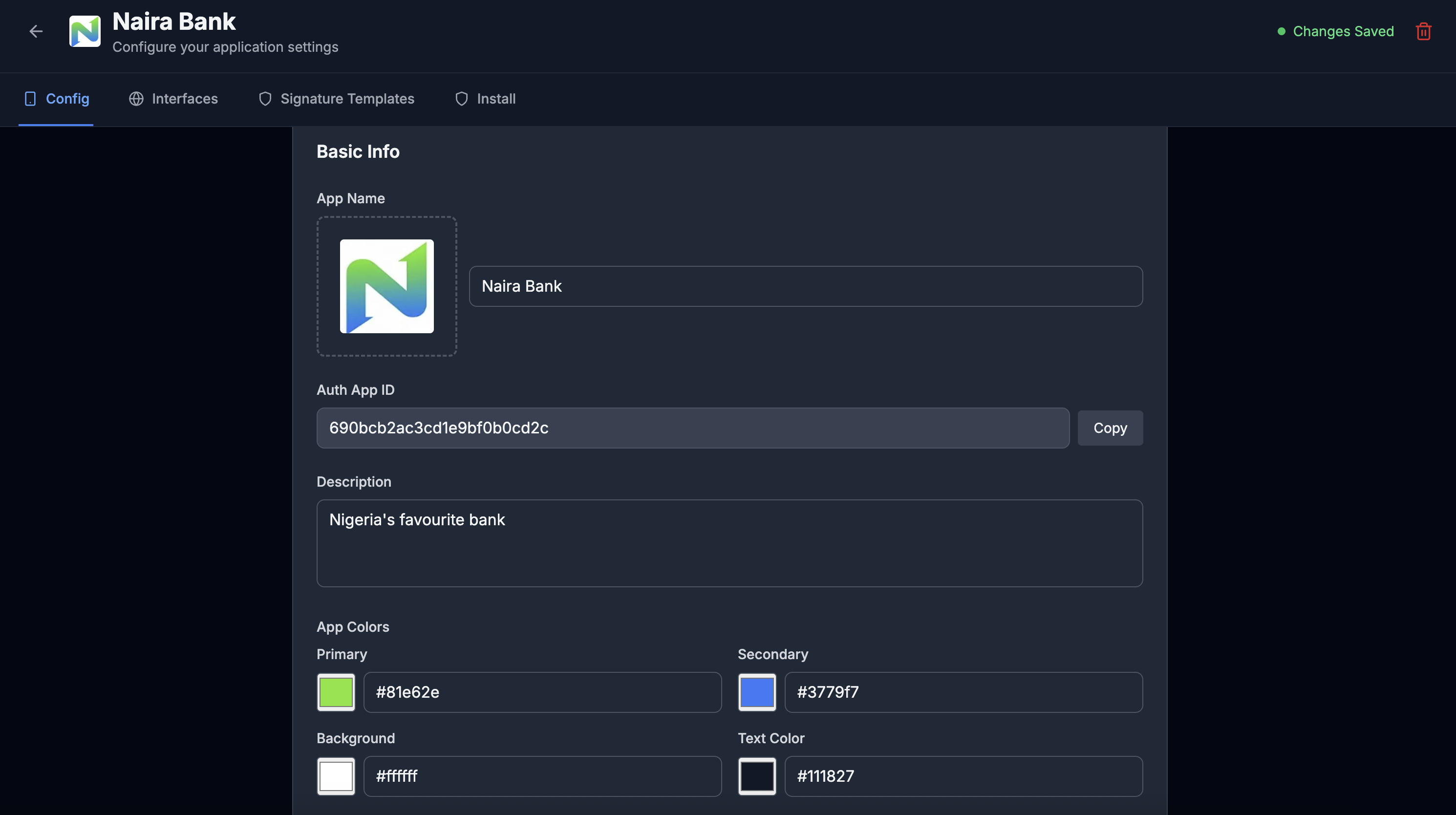
Set up your app's basic configuration: upload your logo, choose your app name and description, and customize your brand colors. These colors and icon style will be used throughout the KYC enrollment flows and any visible authentication interfaces. Your App ID is displayed here—you'll need it to instantiate any SDK instance.